
Got a window right where your TV wants to go? You are not alone. This is one of the most common layout problems in small and mid-size living rooms.
I have worked through this exact issue in my own space, and I know how frustrating it can feel when your room just does not click.
In this post, I will walk you through why this setup happens so often, and give you 11 practical ideas to make it work.
You will also get styling tips and a list of mistakes to skip. By the end, you will have a clear plan for your own room.
Why Put a TV in Front of a Window?
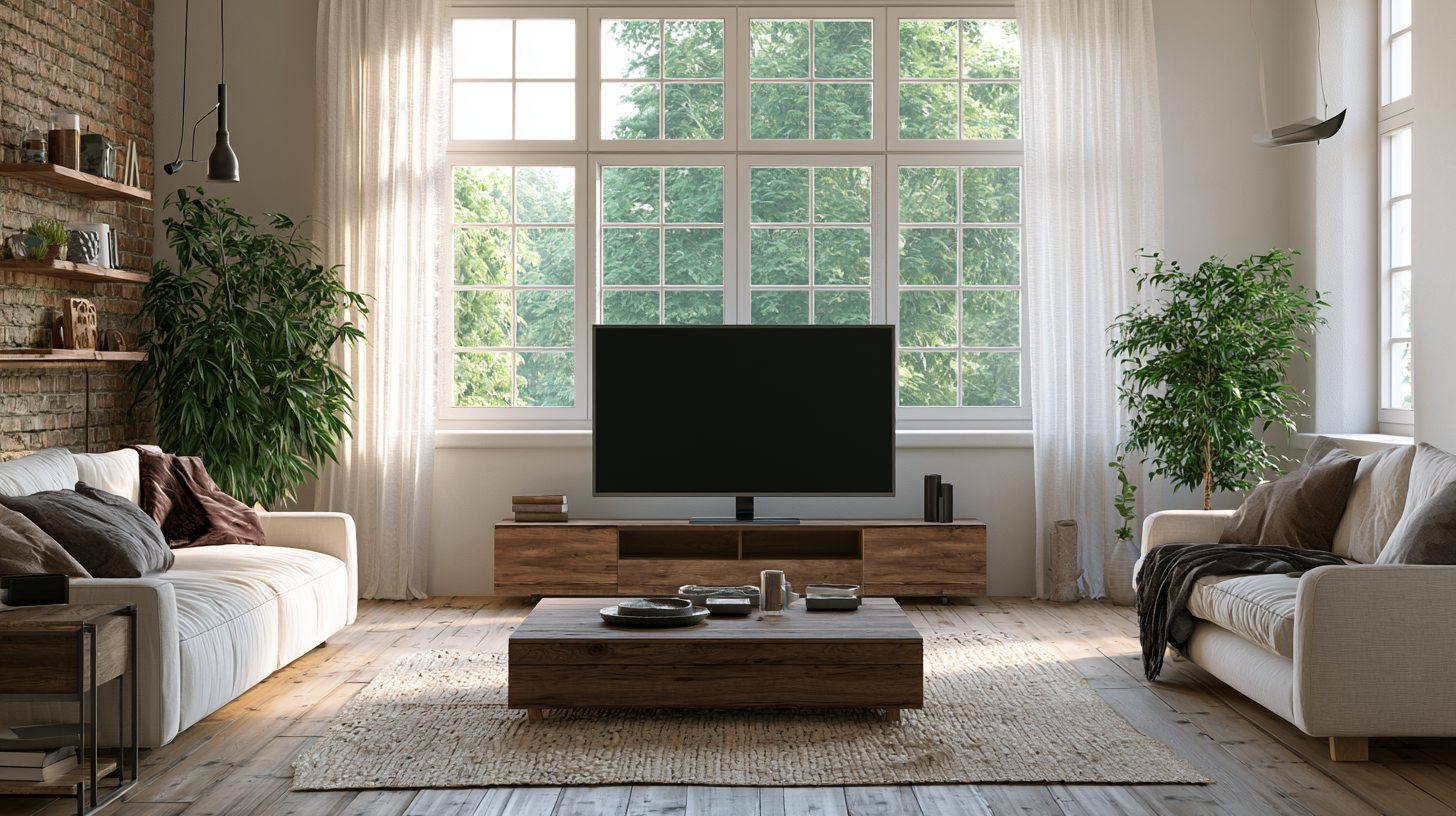
Most homes were not built with modern TVs in mind. Living rooms often have one main wall, and it happens to have a window on it. So you end up choosing between light and screen time.
The good news is you do not have to pick one over the other. With the right setup, your TV and your window can share the same wall without a fight.
Curtains, mounts, and smart furniture placement all help here.
Glare is the biggest worry people have. But that is fixable too, and I will show you how in the sections below.
11 Living Room TV in Front of Window Interior Design Ideas
Here are 11 Living Room TV in Front of Window Interior Design Ideas that you’ll love.
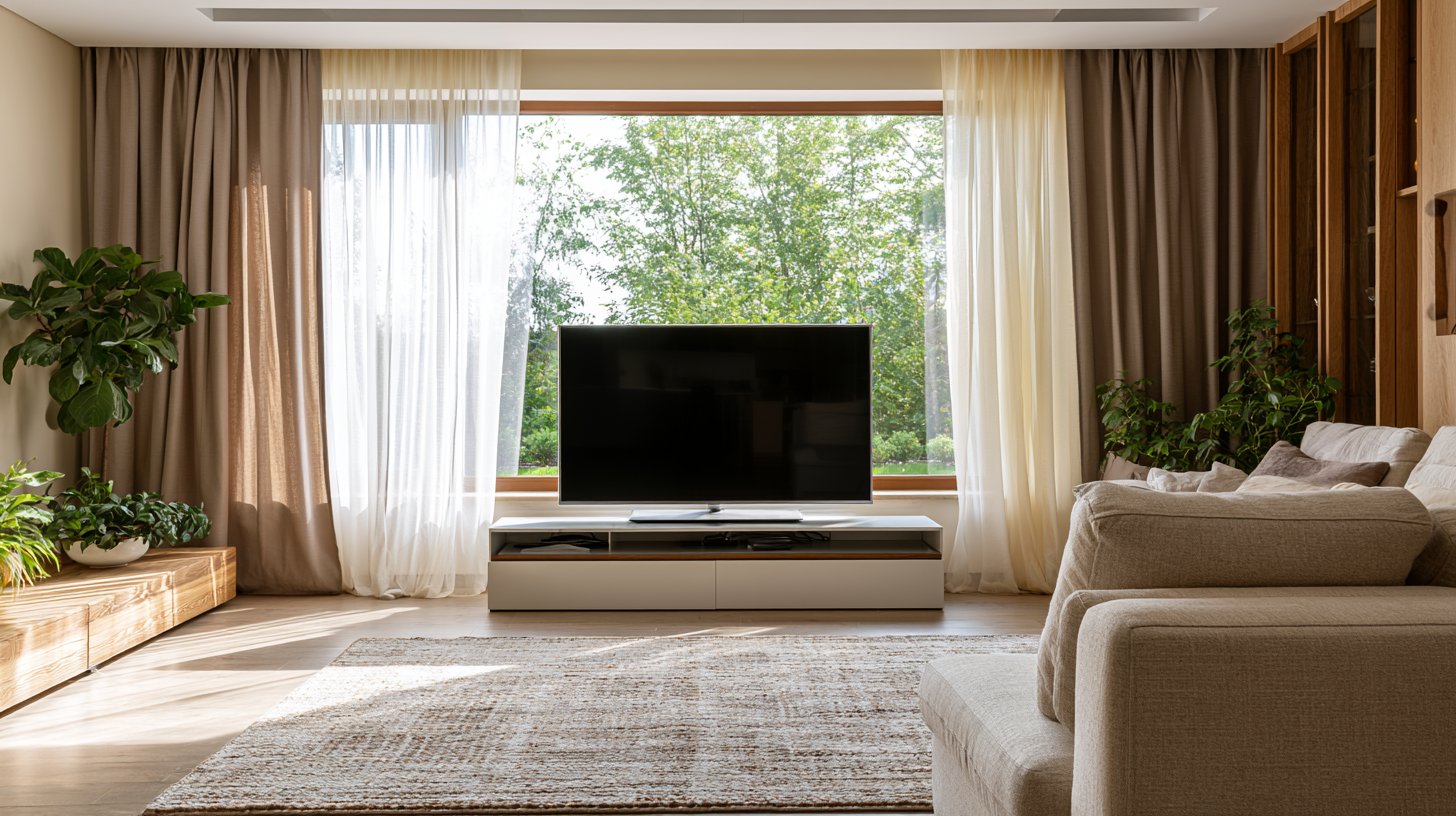
1. Use a Low-Profile TV Console Below the Window
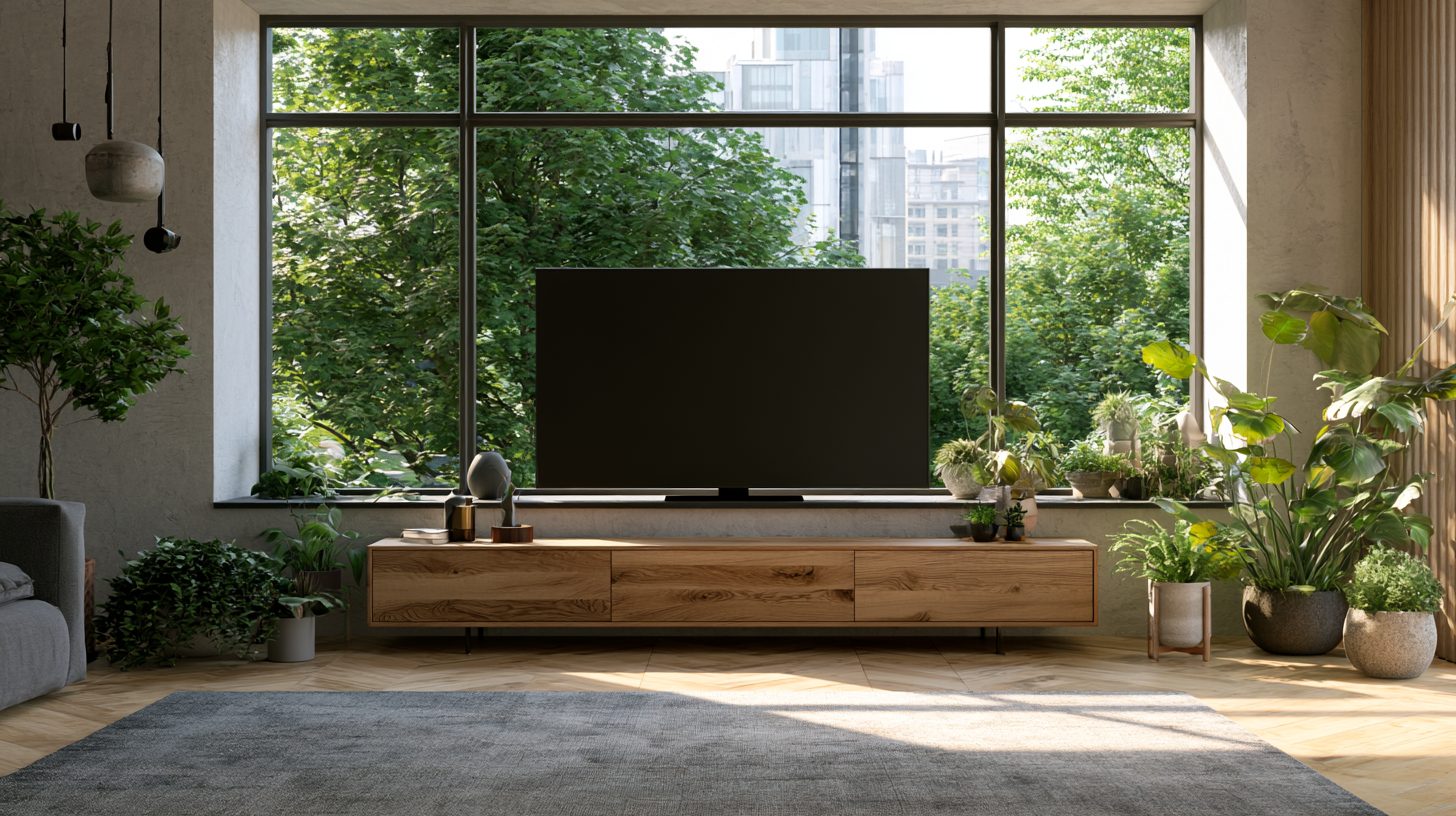
A short, wide console keeps the whole setup grounded. It sits below the windowsill, so light still comes through above it. This works great in rooms with lower windows or window seats.
Pick a console that matches your room's tone. Light wood keeps things airy. Dark wood adds contrast.
2. Create a Designer Look with a Wooden Tripod TV Stand
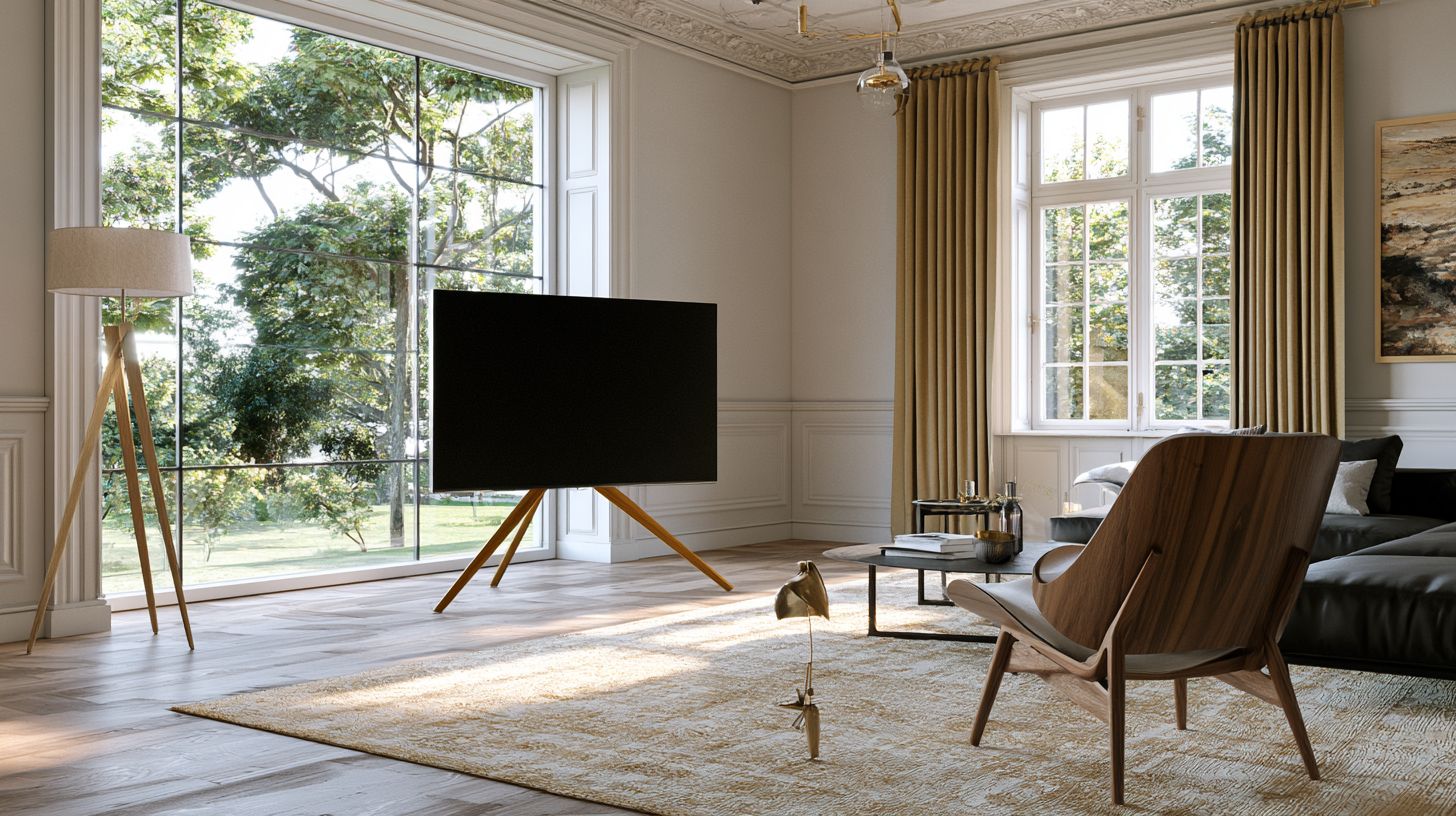
A tripod stand adds height and a bit of personality. It lifts the TV off the floor and gives the area a lighter, less bulky feel. I like this option for rooms with big windows, since it does not block much of the view.
It also works well in rentals. You can move it without any wall damage.
3. Install Layered Curtains or Blinds Behind the TV
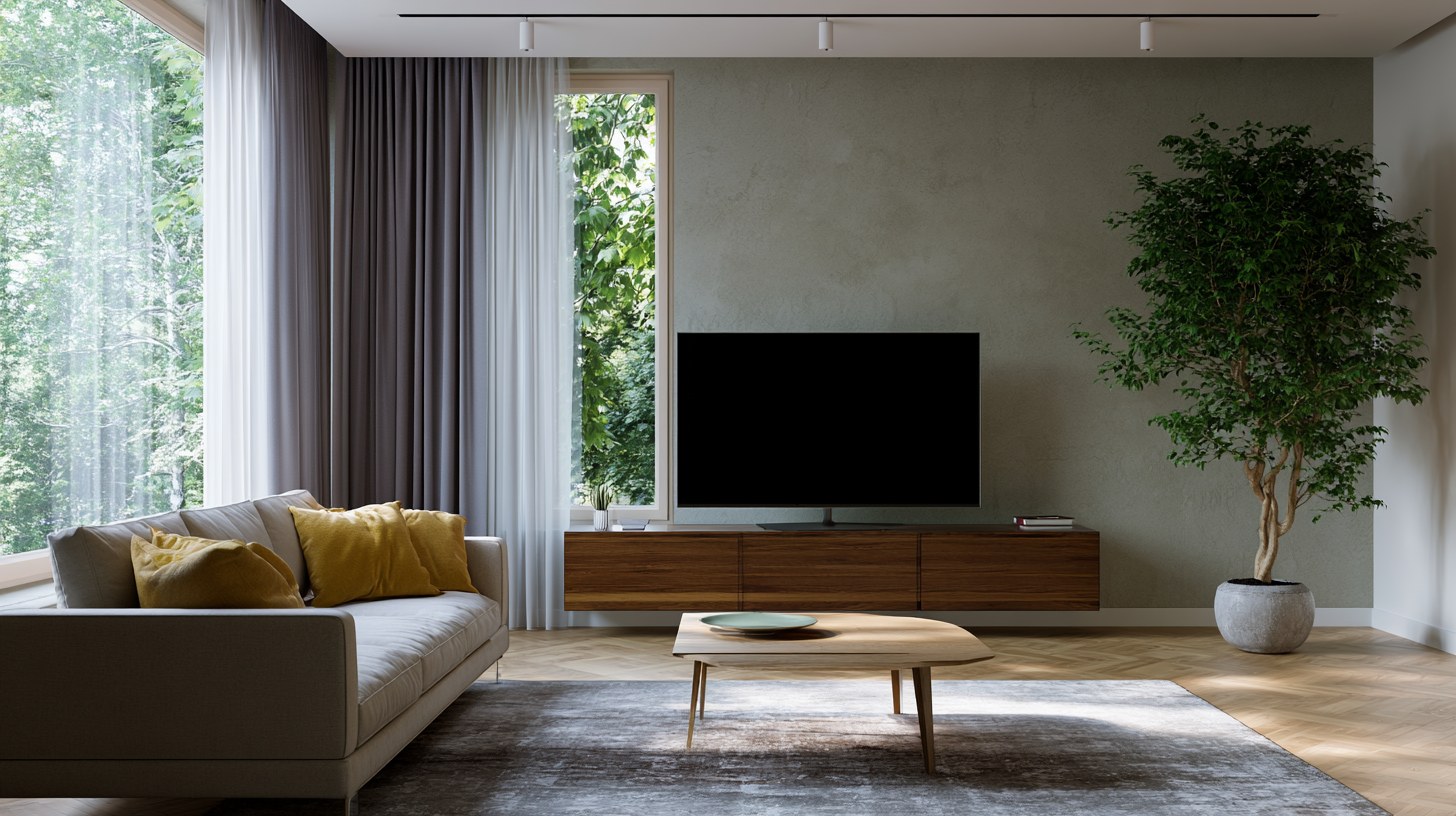
Layered window treatments help control glare during the day. Use a sheer layer for soft light and a blackout layer for movie nights. This combo gives you control depending on the time of day.
I switched to layered curtains in my own living room, and it cut down glare more than I expected.
4. Float the Sofa Instead of Placing It Against the Wall
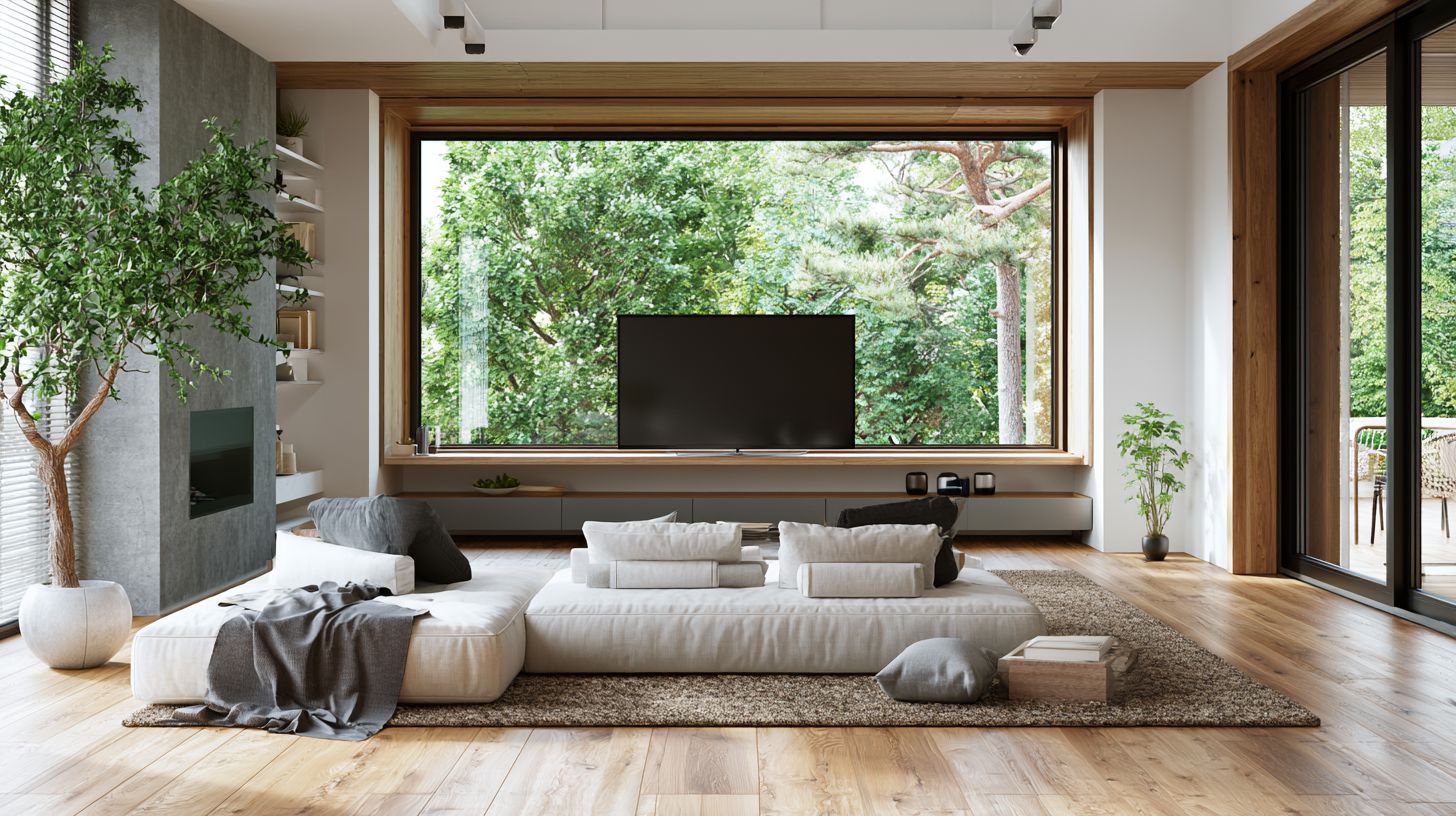
If your window sits low, try floating your sofa in the middle of the room. This creates a natural viewing zone without pushing furniture right against the glass. It also opens up the room and makes it feel bigger.
Add a console table behind the sofa to keep the layout functional.
5. Mount the TV Using a Swivel or Floor-to-Ceiling Mount
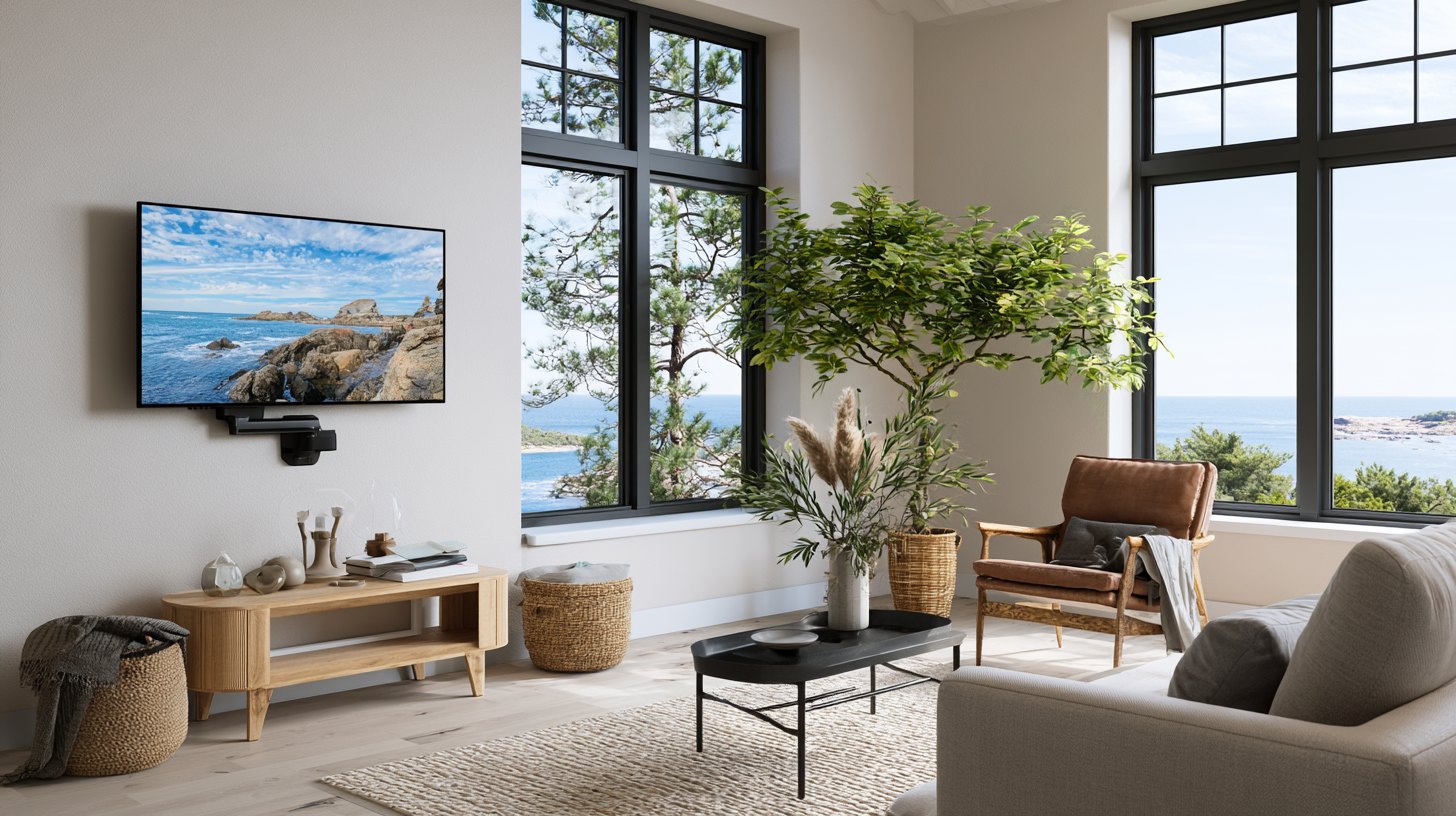
A swivel mount lets you angle the TV away from direct sunlight. This cuts glare without covering the window at all. Floor-to-ceiling mounts also work if your window is tall and narrow.
This is one of the easiest fixes if you do not want to rearrange your whole room.
6. Frame the TV with Plants and Decorative Accessories
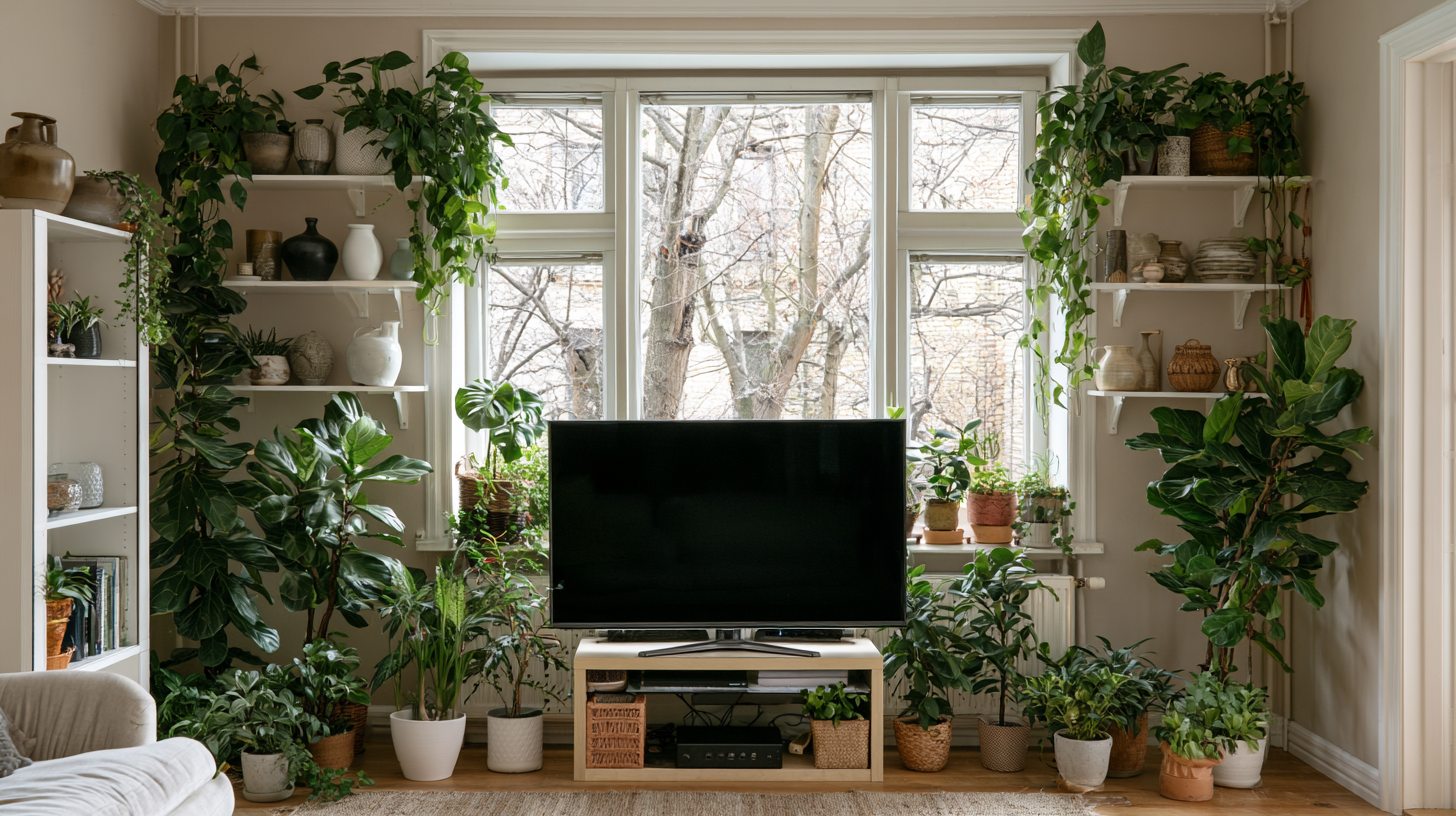
Plants on either side of the TV soften the whole look. They also help balance the window on one side and the screen on the other. Use tall, leafy plants for height, or small potted ones on shelves.
This is a low-cost way to make the space feel more finished.
7. Hide Cables for a Clean, Custom Appearance
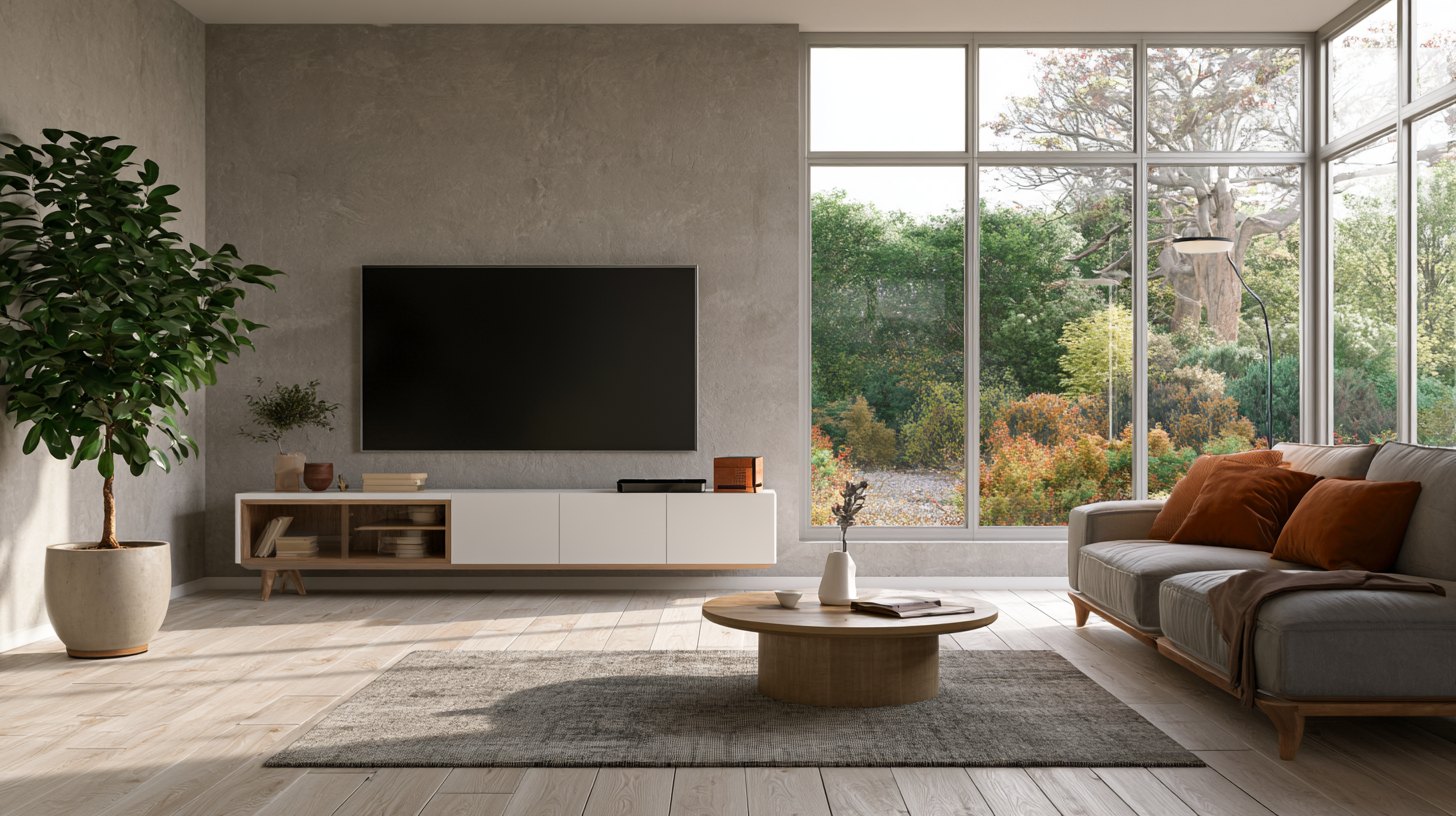
Loose cables near a window stand out fast, especially with natural light hitting them. Use a cable cover or run wires through the wall if you can. A cord box behind the console also works well.
This small step makes a big difference in how put together the room looks.
8. Make the Most of a Bay Window or Deep Windowsill
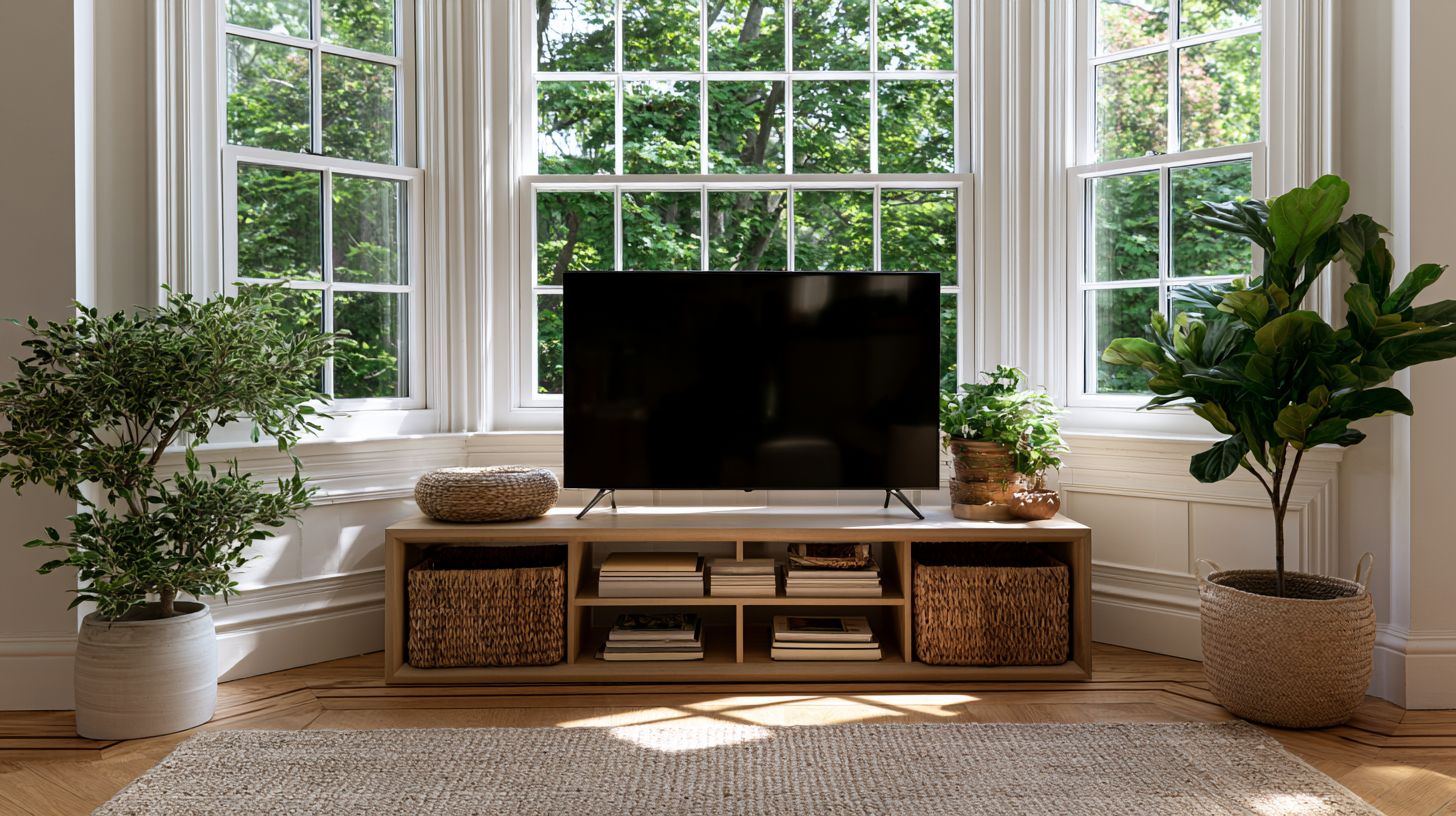
A deep windowsill can double as a shelf for a low console or even a media unit. Bay windows give you extra wall space on the sides, which is helpful for mounting or shelving.
Use this extra space for baskets, books, or a small plant.
9. Choose a Corner Layout Near the Window
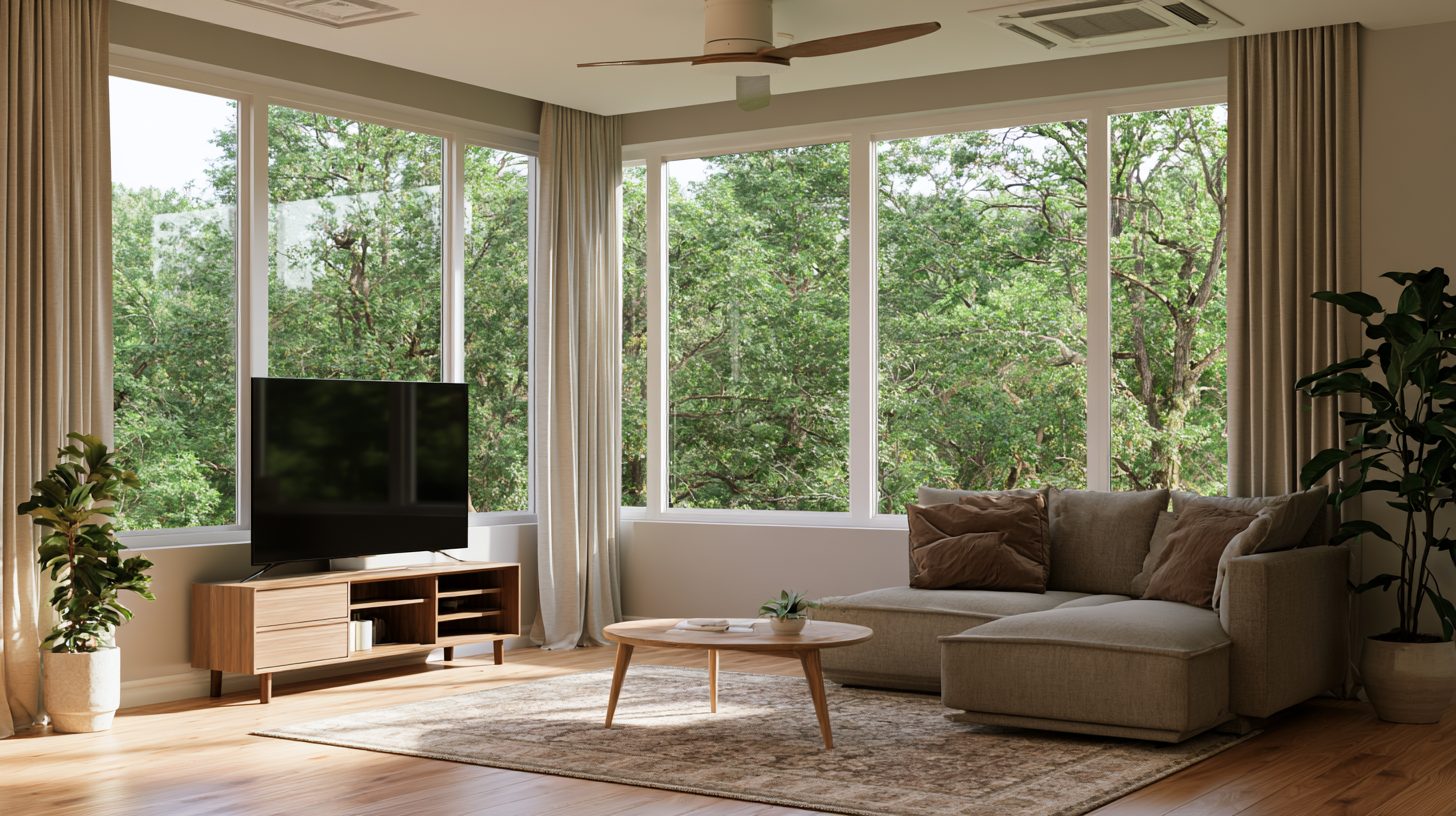
If the window takes up most of your main wall, try placing the TV in a corner instead. A corner TV stand keeps the window untouched and still gives you a solid viewing angle from the sofa.
This works especially well in smaller living rooms.
10. Install a Hidden or Lift-Up TV Cabinet
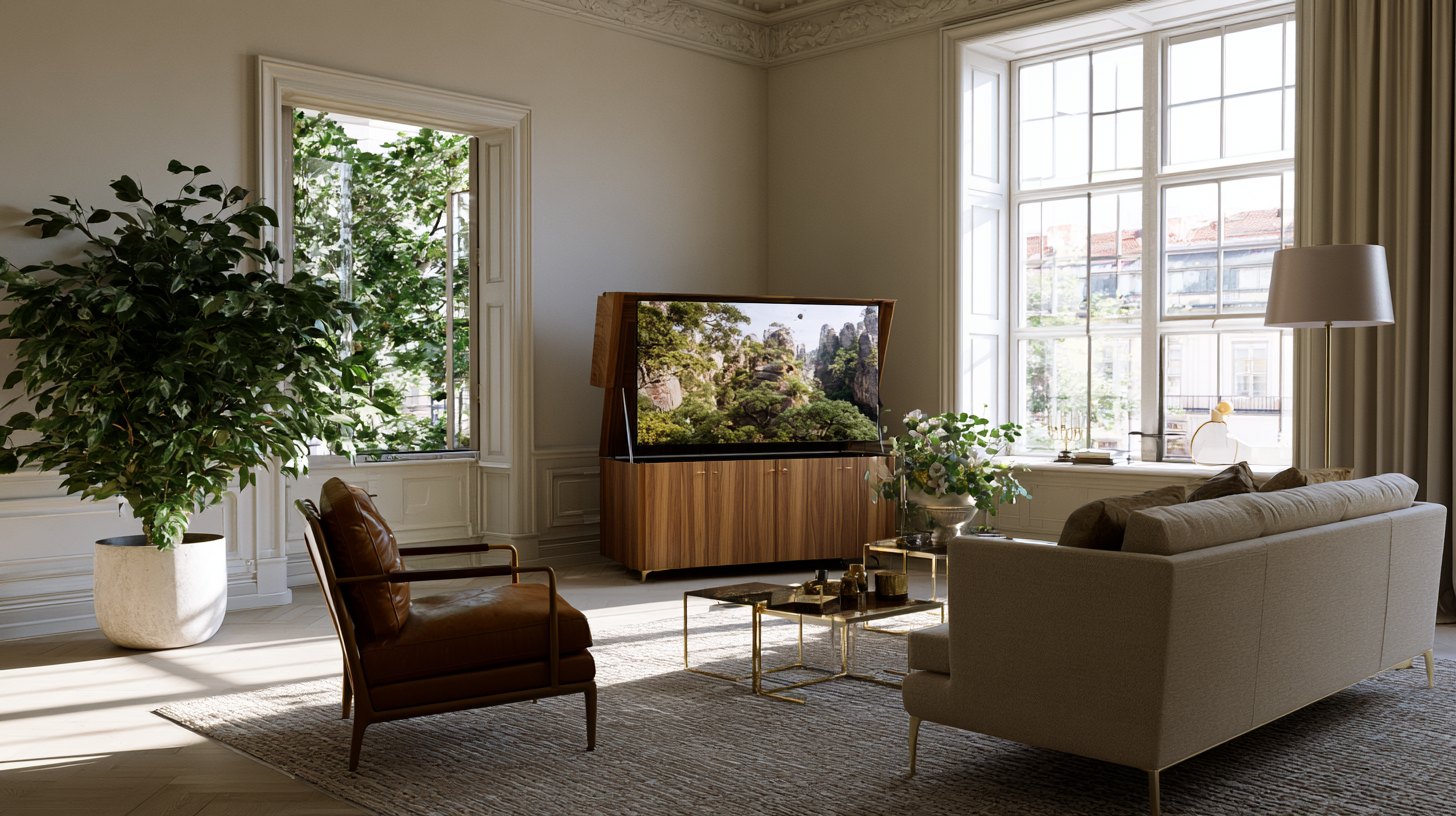
For a fully clean look, a lift-up cabinet hides the TV when it is not in use. This keeps the window as the main focus of the room most of the day.
It is a bigger investment, but it solves the glare problem completely.
A great option if you want the window to stand out more than the screen.
11. Style the TV Area Like a Feature Wall
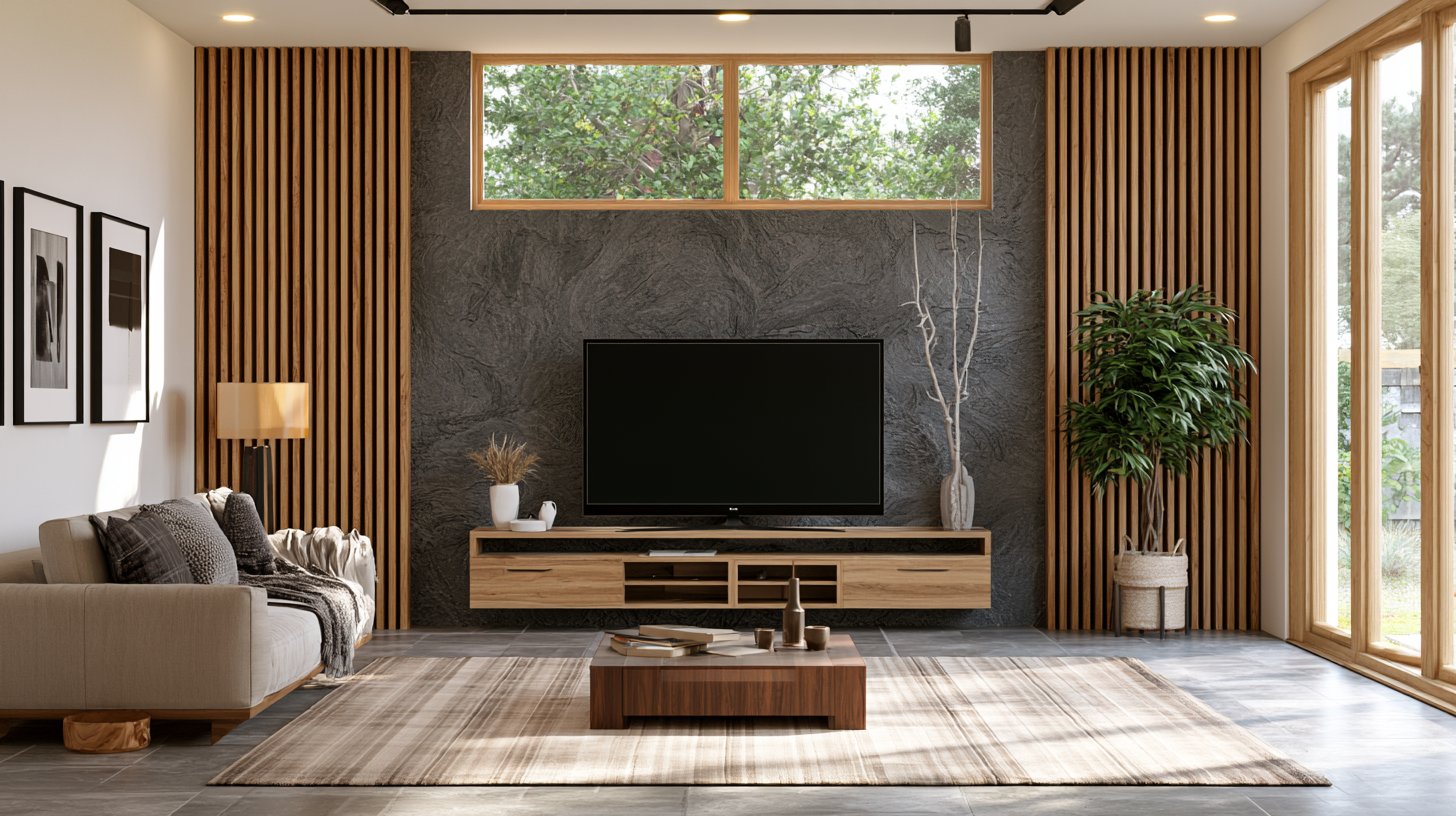
Add texture behind the TV with paneling, a bold paint color, or a gallery of frames. This draws the eye to the wall itself, not just the window or the screen.
It gives the whole space a finished, intentional look.
Interior Design Tips to Make a TV in Front of a Window Look Better
A few small changes can fix most of the glare and layout problems.
- Use sheer curtains during the day to cut glare without blocking light
- Angle your sofa slightly to reduce direct sun on the screen
- Keep furniture height low near the window so it does not block natural light
- Add a rug to anchor the seating area and tie the layout together
- Use warm lighting at night to balance the dark window backdrop
- Stick to a simple color palette so the room does not feel busy
Mistakes to Avoid
Skipping glare control or heavy curtains are the most common slip ups.
- Placing the TV directly across from the window without any glare control
- Using heavy, dark curtains that make the room feel closed in
- Ignoring cable management, which makes the whole area look messy
- Choosing a TV stand that is too bulky for the space
- Forgetting to test glare at different times of day before settling on a layout
Conclusion
A TV in front of a window is not a dealbreaker. It just needs a little planning. I have tried a few of these ideas myself, and layered curtains made the biggest difference in my own home.
Pick one or two ideas from this list and try them in your space this weekend.
Your room does not need a full overhaul to feel better, just a few smart changes.
If this helped you, drop a comment below and let me know which idea you are trying first. Feel free to share this with a friend who is dealing with the same layout problem.
Frequently Asked Questions
Can I put a TV directly in front of a window without any issues?
Yes, but glare can be a problem during the day. Adding curtains or a swivel mount usually solves it.
What is the best curtain type for reducing TV glare?
Layered curtains work best. Use sheer during the day and blackout for movie nights.
Does a low console work better than a wall mount near a window?
Both work well. A low console suits shorter windows, while a mount suits taller ones.
How do I stop cables from looking messy near a window?
Use a cable cover or run cords behind the wall. A cord box also keeps things neat.
Is a corner layout a good option for small living rooms?
Yes, it keeps the window open and still gives you a clear view of the TV.